++++
++++Notebook converted from Jupyter for blog publishing.
00-Scatter-Plots

Scatter Plots
Scatter plots can show how different features are related to one another, the main theme between all relational plot types is they display how features are interconnected to each other. There are many different types of plots that can be used to show this, so let's explore the scatterplot() as well as general seaborn parameters applicable to other plot types.
Data
We'll use some generated data from: http://roycekimmons.com/tools/generated_data (opens in a new tab)
import pandas as pd
import seaborn as sns
df = pd.read_csv("dm_office_sales.csv")df.head()division
level of education
training level
work experience
salarydf.info()<class 'pandas.core.frame.DataFrame'>
RangeIndex: 1000 entries, 0 to 999
Data columns (total 6 columns):
# Column Non-Null Count Dtype
--- ------ -------------- ----- Scatterplot
sns.scatterplot(x='salary',y='sales',data=df)<matplotlib.axes._subplots.AxesSubplot at 0x2089e370088>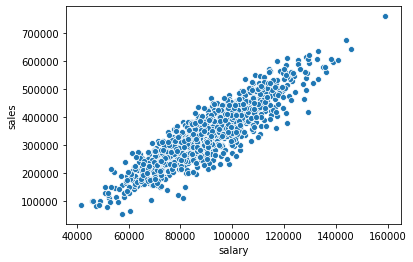
Connecting to Figure in Matplotlib
Note how matplotlib is still connected to seaborn underneath (even without importing matplotlib.pyplot), since seaborn itself is directly making a Figure call with matplotlib. We can import matplotlib.pyplot and make calls to directly effect the seaborn figure.
import matplotlib.pyplot as pltplt.figure(figsize=(12,8))
sns.scatterplot(x='salary',y='sales',data=df)<matplotlib.axes._subplots.AxesSubplot at 0x2089fb16a08>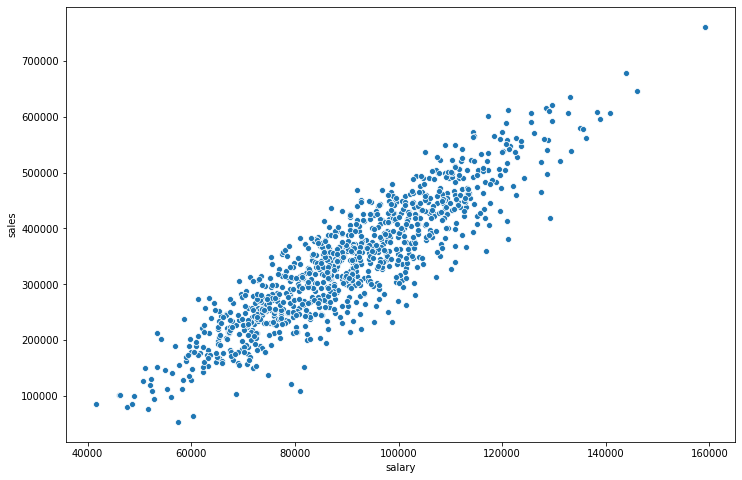
Seaborn Parameters
The hue and palette parameters are commonly available around many plot calls in seaborn.
hue
Color points based off a categorical feature in the DataFrame
plt.figure(figsize=(12,8))
sns.scatterplot(x='salary',y='sales',data=df,hue='division')<matplotlib.axes._subplots.AxesSubplot at 0x2089fb0fe88>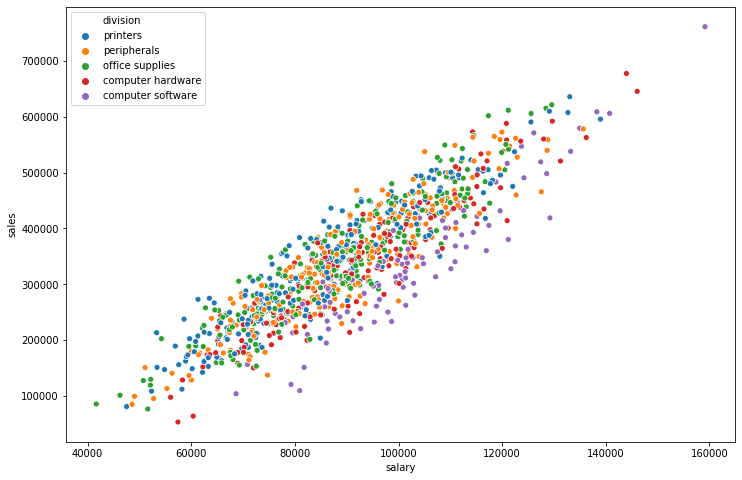
plt.figure(figsize=(12,8))
sns.scatterplot(x='salary',y='sales',data=df,hue='work experience')<matplotlib.axes._subplots.AxesSubplot at 0x2089fc3d848>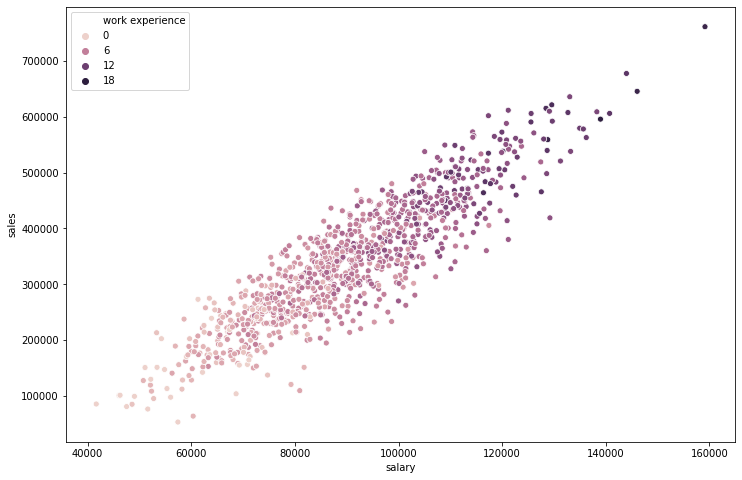
Choosing a palette from Matplotlib's cmap: https://matplotlib.org/tutorials/colors/colormaps.html (opens in a new tab)
plt.figure(figsize=(12,8))
sns.scatterplot(x='salary',y='sales',data=df,hue='work experience',palette='viridis')<matplotlib.axes._subplots.AxesSubplot at 0x2089fcbbdc8>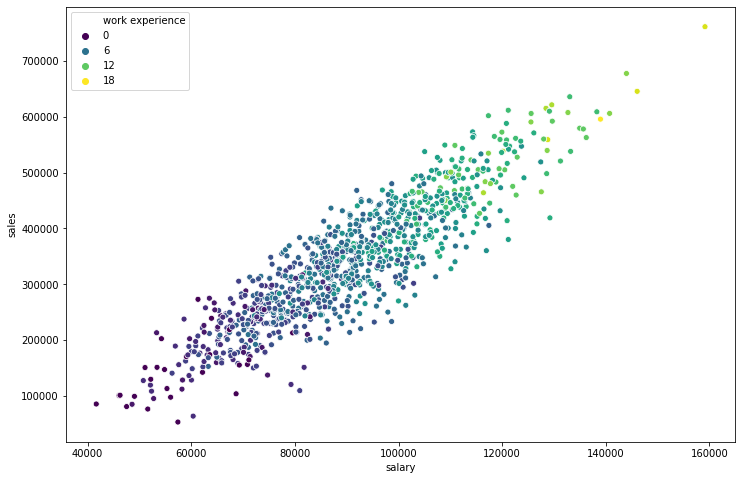
Scatterplot Parameters
These parameters are more specific to the scatterplot() call
size
Allows you to size based on another column
plt.figure(figsize=(12,8))
sns.scatterplot(x='salary',y='sales',data=df,size='work experience')<matplotlib.axes._subplots.AxesSubplot at 0x2089fcb7188>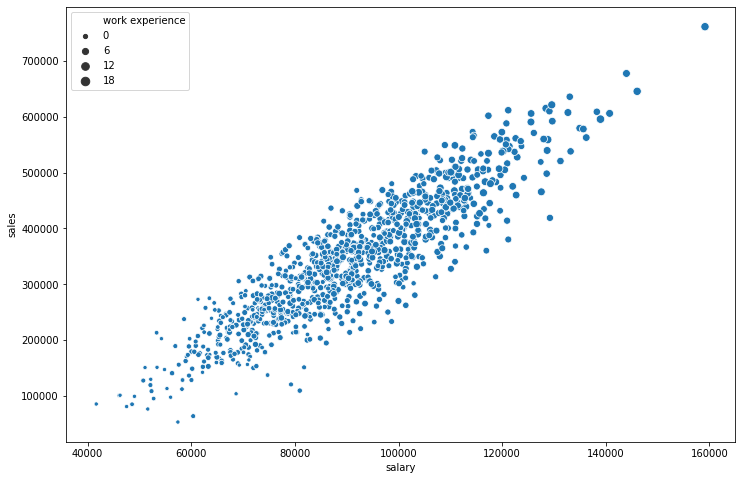
Use s= if you want to change the marker size to be some uniform integer value
plt.figure(figsize=(12,8))
sns.scatterplot(x='salary',y='sales',data=df,s=200)<matplotlib.axes._subplots.AxesSubplot at 0x208a00c1708>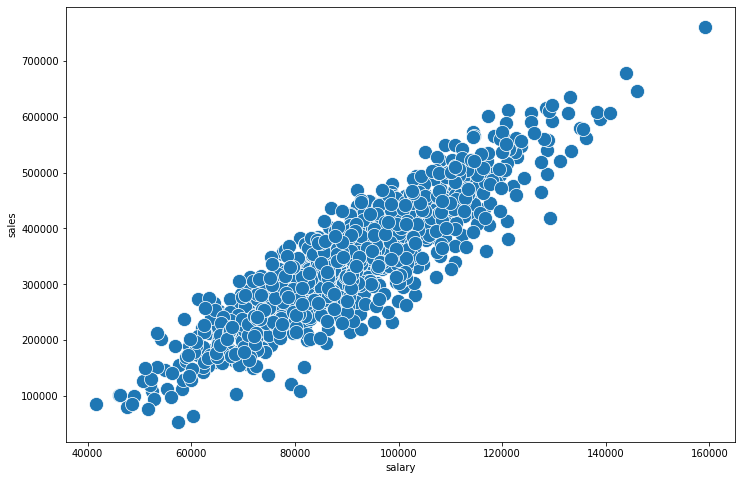
plt.figure(figsize=(12,8))
sns.scatterplot(x='salary',y='sales',data=df,s=200,linewidth=0,alpha=0.2)<matplotlib.axes._subplots.AxesSubplot at 0x208a077b908>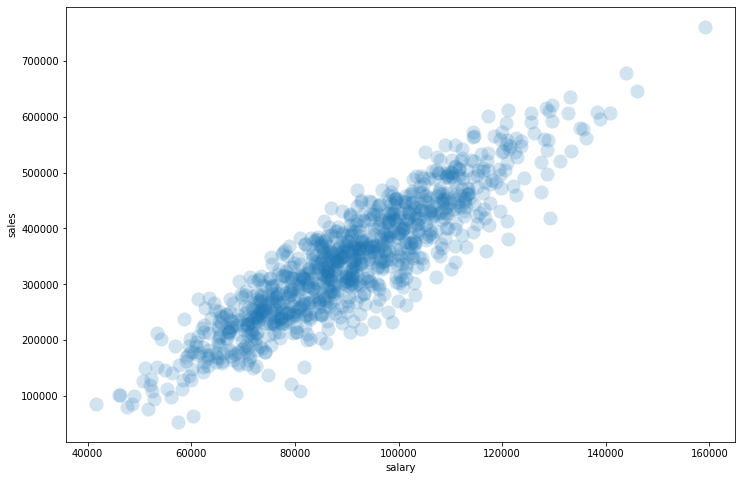
style
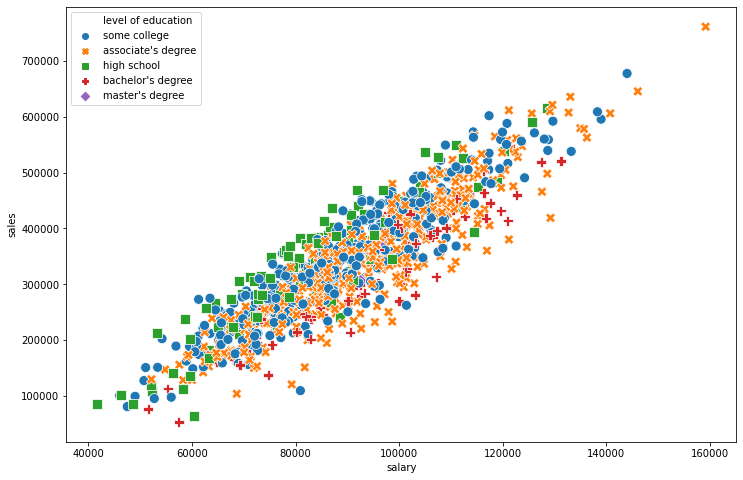
Automatically choose styles based on another categorical feature in the dataset. Optionally use the markers= parameter to pass a list of marker choices based off matplotlib, for example: ['*','+','o']
plt.figure(figsize=(12,8))
sns.scatterplot(x='salary',y='sales',data=df,style='level of education')<AxesSubplot:xlabel='salary', ylabel='sales'>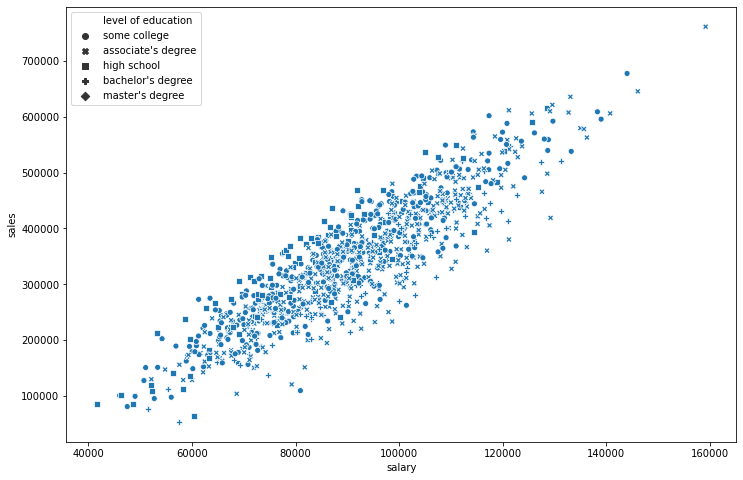
plt.figure(figsize=(12,8))
# Sometimes its nice to do BOTH hue and style off the same column
sns.scatterplot(x='salary',y='sales',data=df,style='level of education',hue='level of education',s=100)<AxesSubplot:xlabel='salary', ylabel='sales'>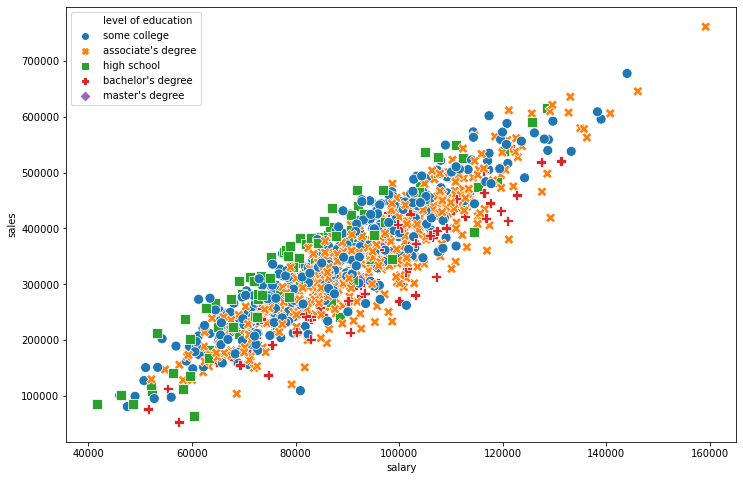
Exporting a Seaborn Figure
plt.figure(figsize=(12,8))
sns.scatterplot(x='salary',y='sales',data=df,style='level of education',hue='level of education',s=100)

# Call savefig in the same cell
plt.savefig('example_scatter.jpg')