Linux & Terminal Commands
A shell is a command-line interface which allows to perform certain tasks using command
Linux & Terminal Commands
A shell is a command-line interface which allows to perform certain tasks using command
Basic Commands
cd→ change directory
cd ..→ goes back a single directory
mkdir→ make new folder
mkdir -p→ makes directories and sub-directories too.
touch→ creates a new file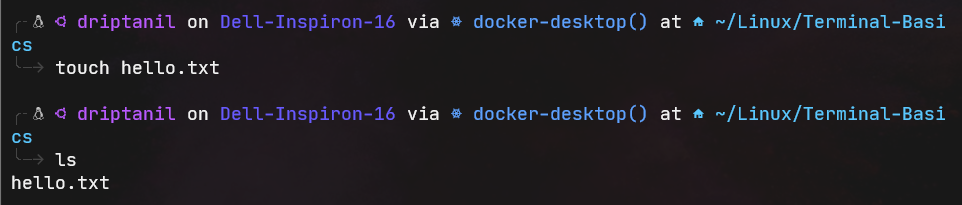
ls/dir→ lists all the files in the current directory

ls -a→ displays all the hidden files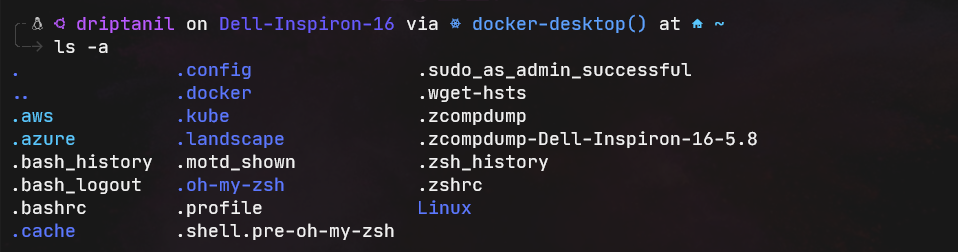
ls -l→ shows more information like size, date about the files in working directory.
ls -R→ show files, directories and sub-directories as well.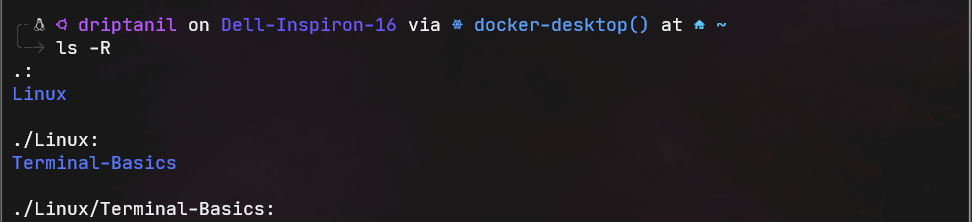
xdg-open/open→ opens the graphical interface of the present working directory.pwd→ Print Working Directory
cp→ creates a copy of a file or a folder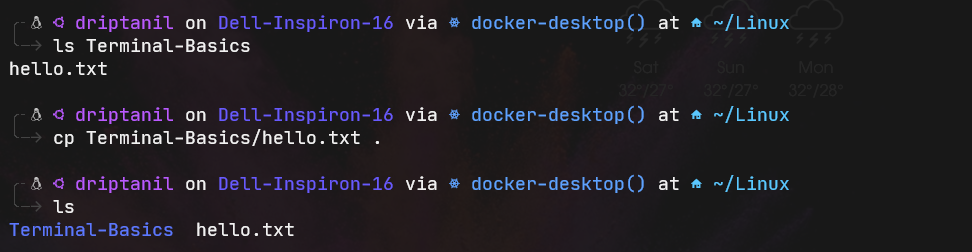
cp -R→ copies directories and also the sub-directories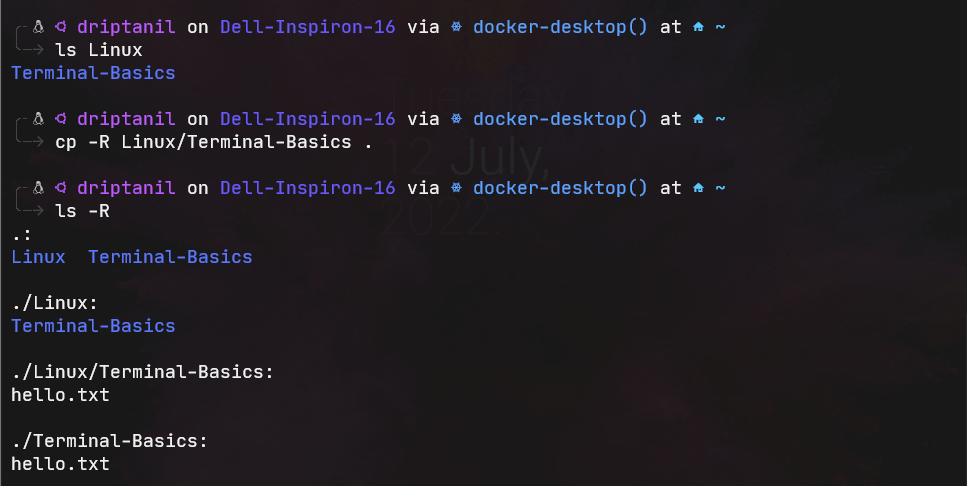
mv→ moves files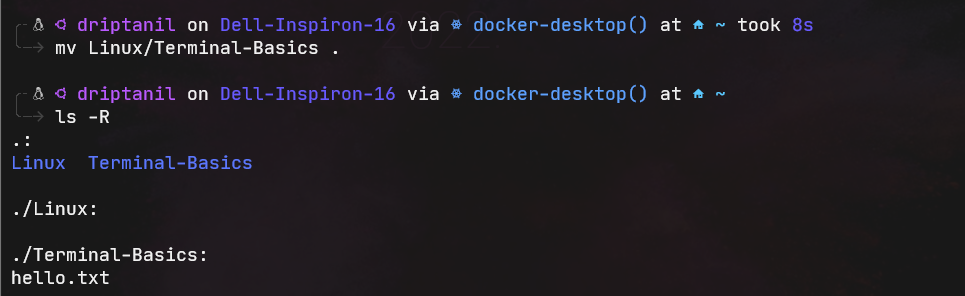 If names of two files are given, then the file gets renamed.
rm→ removes only files permanently.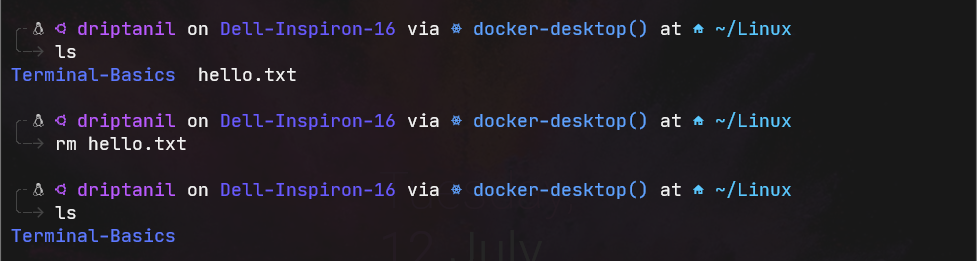
rm -R→ removes directories permanently.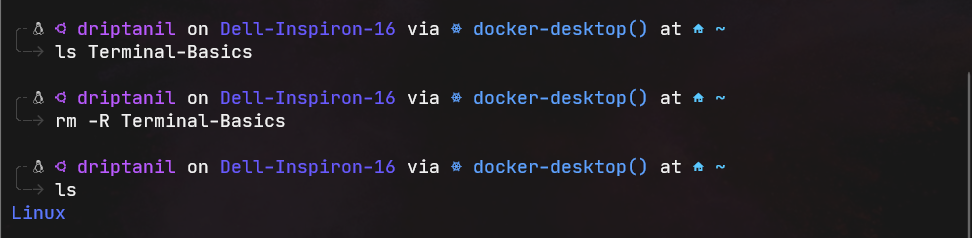
rm -rf→ force remove of files or directories.
sudo→ Super User Do gives system administrator privileges.
sudo apt update && sudo apt upgradeis used to download and install updates.
File Commands
-
echo→ displays -
catstands for concatenate, it is used to display the contents of a file
cat >creates a file.
-
vi <file_name>allows editing the file in the console.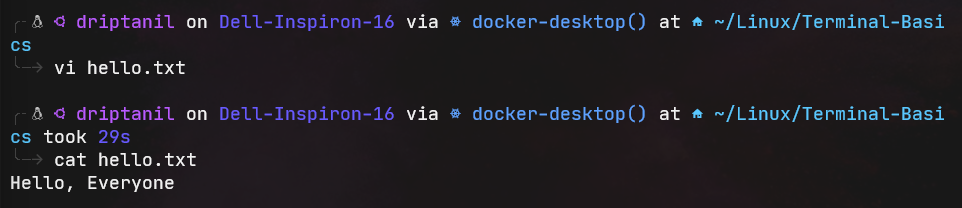
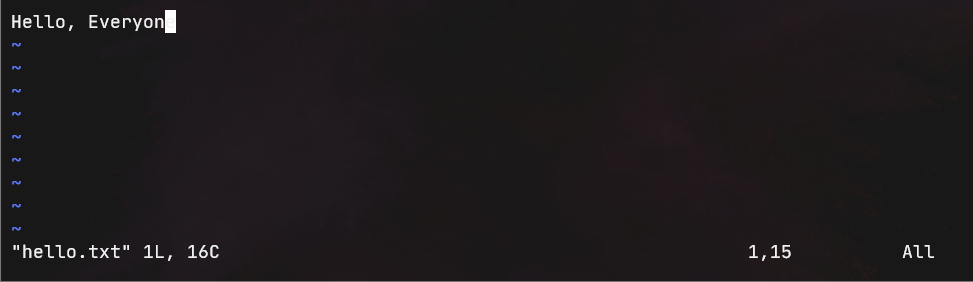
- press
ito enter insert mode andEscto enter command mode.I- Insert text at the beginning of the current lineA– Write at the end of the line (goes into insert mode)b→ Go to the beginning of the worde→ Go to the ending of the wordu– Undo last changeU– Undo all changes to the entire lineo– Open a new line (goes into insert mode)dd– Delete line3dd– Delete 3 lines.D– Delete contents of the line after the cursorC– Delete the contents of a line after the cursor and insert new text.dw– Delete word4dw– Delete 4 wordscw– Change wordx– Delete the character at the cursor~– Change case of individual character
:wq→ writes and quit the file in command mode:q!→ quit without saving the changes in command mode:w→ save and continue editingyy→ Yank (copy a line of text)
- press
-
head→ displays the first 10 lines of a filehead -n 1→ displays the first line of a file
-
tail→ displays the lasts 10 lines of a filetail -n 1→ displays the last line of a file
-
diff→ compares files and displays lines which does not match -
tr→ translate -
grep→ searches Strings in files.grep -w→ searches Strings of a complete word in files.grep -i→ [ignore cases] searches non-case sensitive Strings in files.grep -n→ searches Strings in files and also displays the line no.grep -win→ search non-case sensitive Strings in words in files and also displays the line no.grep -B 3→ also displays 3 lines before the searched Strings.grep -r→ searches Strings in files recursively.grep -l→ displays list of filenames only.grep -c→ display the no of times the search string is present in a filegrep -p→ is used to search regular expressions
-
sort→ displays lines of file sorted alphabetically.sort -r→ displays lines of files sorted in reversesort -b→ ignores blacks while sortingsort -f→ ignores cases while sortingsort -n→ sorts numerical value
-
lsof→ lists all the opened fileslsof -u driptanil→ displays all the opened files by ‘driptanil’ user
-
cut→ remove sections from each line of filescut -b→ removes only bytescut -c→ removes only characters
-
locate "*.txt"→ will display location of all the .txt files. -
find .→ displays all the files and folder in the working directory.find . -type d→ displays all the folders in the working directory.find . -type f→ displays all the files in the working directory.find -name→ displays all files and folders with the name in working directory.find -iname→ displays all files and folders with the name [not case sensitive] in the working directory.find -mmin -15→ displays all the files and folders modified less than 15 mins ago.find -mmin +30→ displays all the files and folders modified more than 30 mins ago.find -mtime -10→ displays all the files and folders modified less than 10 days ago.find -maxdepth 1→ displays files and folders in working directory.find -mindepth 2→ displays files and folders in the folders in working directory.find -size +1k→ displays files and folders more than 1 Kb size.find -empty→ displays files and folders which are empty.find -perm 777→ displays files and folders with -rwxrwxrwx permissions.find . -type f -name "name*" -exec rm -rf {'{}'} +→exec: execute the files and folder found by find command with another command,{}: place holder,+: add all the files.
Other Commands
where/whereis→ displays the location of the environment variables..bashrcfile consists of the commands which are automatically executed whenbashterminal is opened.- It also has
alias, which is a short user-defined command that the shell translates to another command. The variables in capitals are environmental variables. - temporary alias
- permanent alias [adding it in ~/.bashrc file
- It also has
.profilefile consist of all the environmental variable paths.$PATH→ consists all directories of the environmental variablesexportis used to set temporary environmental variablechmod→ used to change the access permissions of file.- Types of file permissions:
- Read(r) [value = 4]
- Write(w) [value = 2]
- Execute(x) [value = 1]
- Types of users:
- User[u]
- Guest[g]
- Other[o]
chmod 777→ -rwxrwxrwxchmod 124→ --x-w-r--chmod 000→ ---------
- Types of file permissions:
chown→ change owner
Terminal Shortcuts:
Ctrl + A→ move to the beginning of the lineCtrl + E→ move to the end of the lineCtrl + U→ remove the whole commandCtrl + K→ removes everything to right of the cursor.Ctrl + L→ clears the terminal likeclearcommandTab→ used to auto-complete;→ many commands together
Network Commands
ping→ allows to request website server and displays all the statisticswget→ download files from the internet.nslookup→ displays the IP address of a particular domainnetstat→ displays the ports that are listeningcurl ifconfig.me -s→ displays the IP address of the user
User Commands
whoami→ displays the usernamehostname→ displays the name of the Hostnamehostname -i→ displays the IP Address
useradd→ adds new userpasswd→ adds new passworduserdel→ deletes existing users
uname→ displays the kernel nameuname -o→ displays the typeuname -m→ displays the architectureuname -r→ displays the kernel version
id→ displays the group IDsgetent group driptanil→ checks if ‘driptanil’ group exists
System Information Commands
df→ shows the disk size and usage detailsdf -h→ displays the size and usage details in human readable format.
du→ shows the disk usage statistics in working directorydu -h→ shows the disk usage statistics in working directory in human readable format.
cat /etc/os-release→ displays the operation system informationlscpu→ displays the CPU detailsfree→ displays the memory statisticsvmstat→ displays the virtual memory statistics
Managing Tasks Commands
top→ shows all the processes runningkill→ kills the process with the specified process ID.jobs→ displays the running commandsps aux→ the processes and the process IDhtop→ shows the processes which are using the resources
Operators
-
Ampersand
&→ This command sends a process/script/command to the background.- to kill this background process use
psandkillcommand.
- to kill this background process use
-
Pipe
|→ The output of the first command acts as input to the second command -
&&→ executes the second command if and only if the first command is executed successfully. -
||→ executes the second command if and only if the first command fails. -
!→ not operator -
>>→ append -
>→ over-write -
Combination
(...)→ group commands using;