Mongo DB
- MongoDB is a source-available cross-platform document-oriented database program.
- Classified as a NoSQL database program.
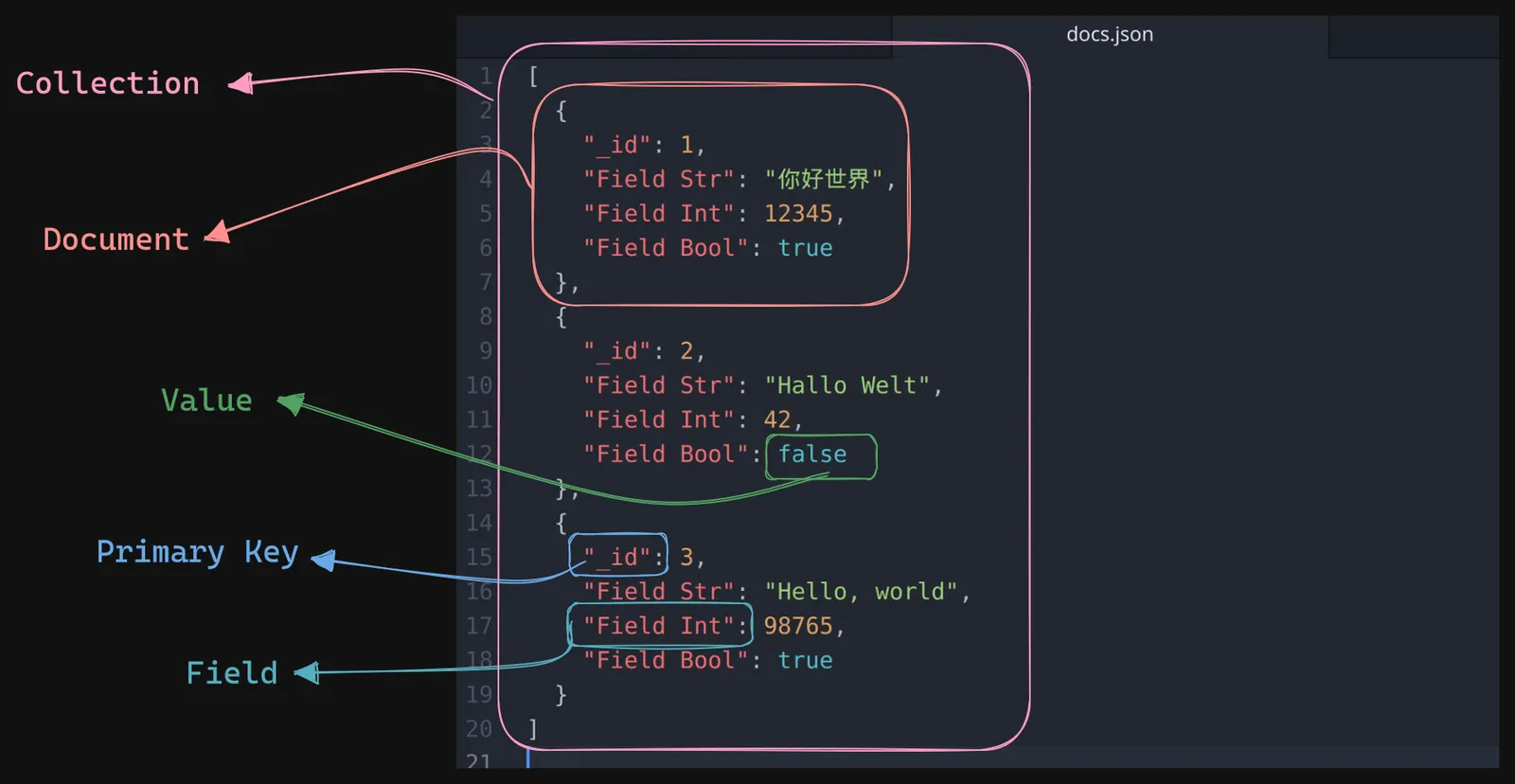
- MongoDB uses JSON-like i.e. BSON (Binary Javascript Object Notation) documents with optional schemas
- Download
- Developer Docs
Understanding JSON
Start Mongo DB
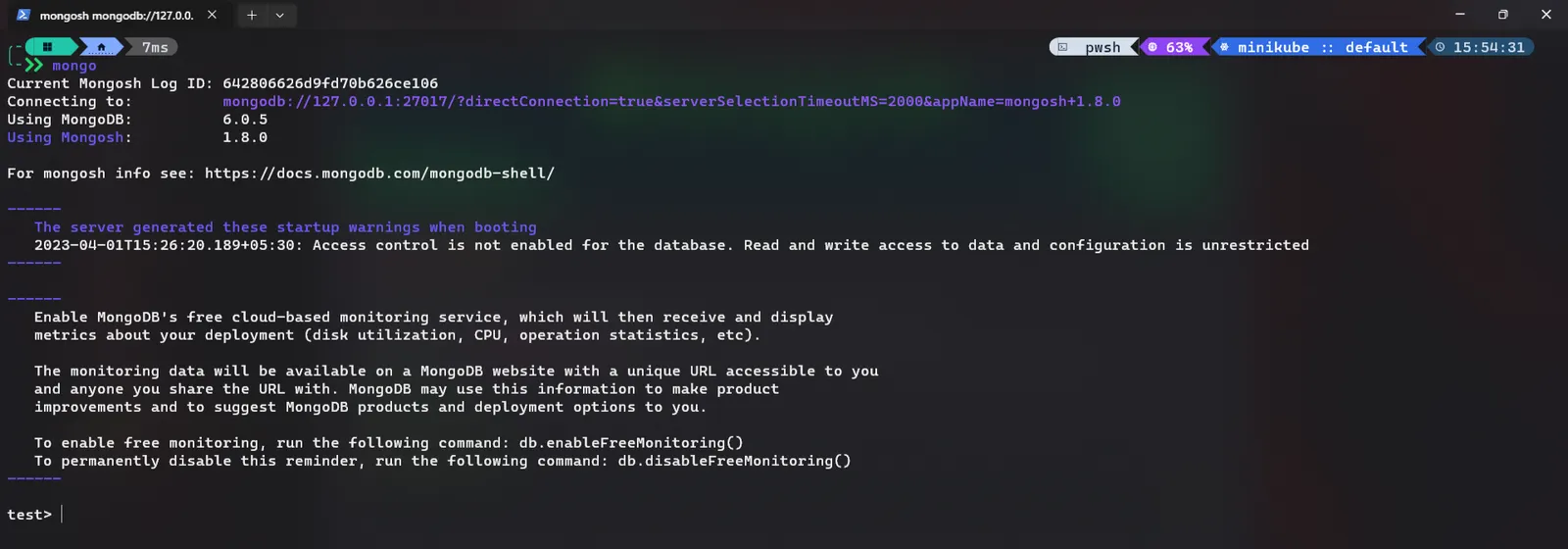
- run
mongocommand in terminal to start mongoDB
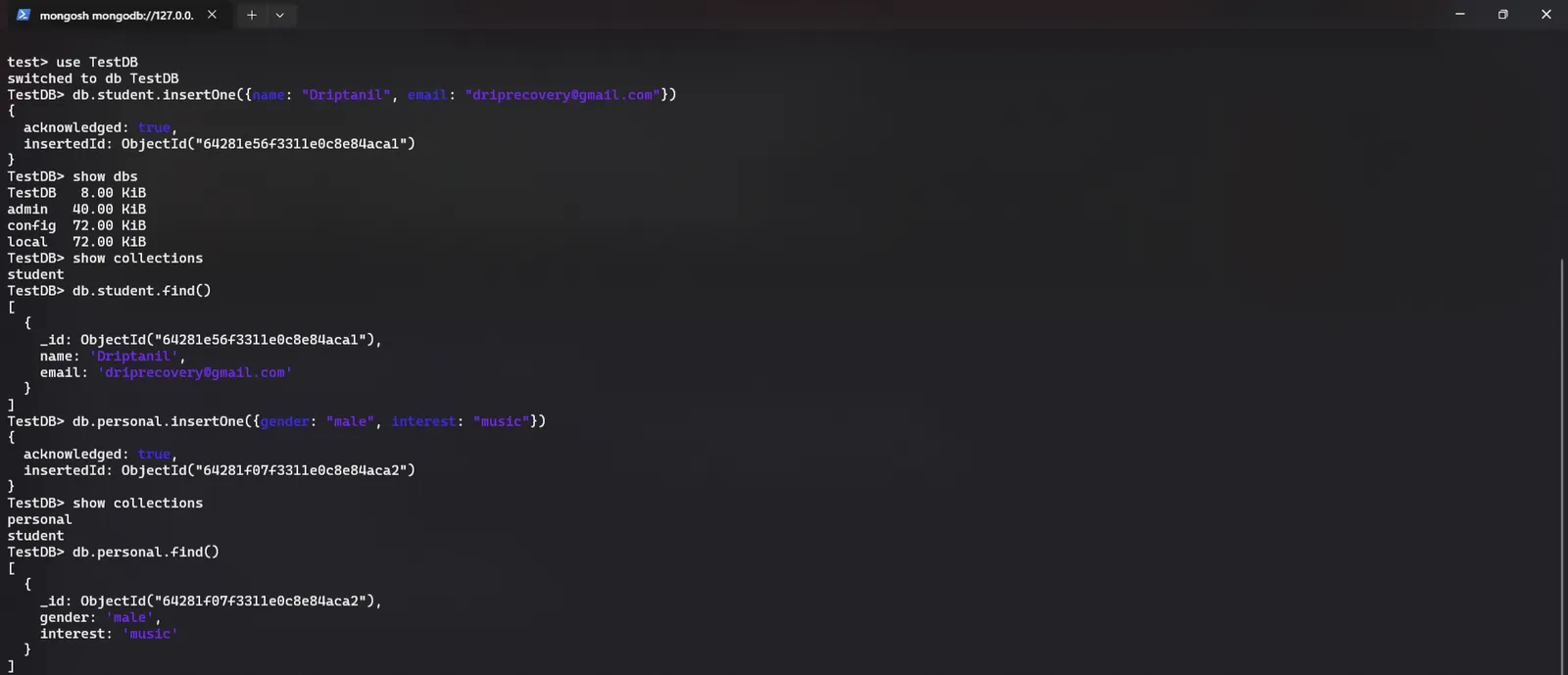
use <database>will create new database, ifdatabasedoes not existdb.<collection>.insertOne({field: "value1", field2: "value2"})will insert single document in a database.show dbswill display all databases present.show collectionswill display all collection(set of documents).db.<collection>.find()will display all the contents ofcollection
db.<collection>.insertMany({field: "value1"}, {field: "value2"})will insert multiple documents in a database.db.<collection>.find({field: "value"})is used to search in documents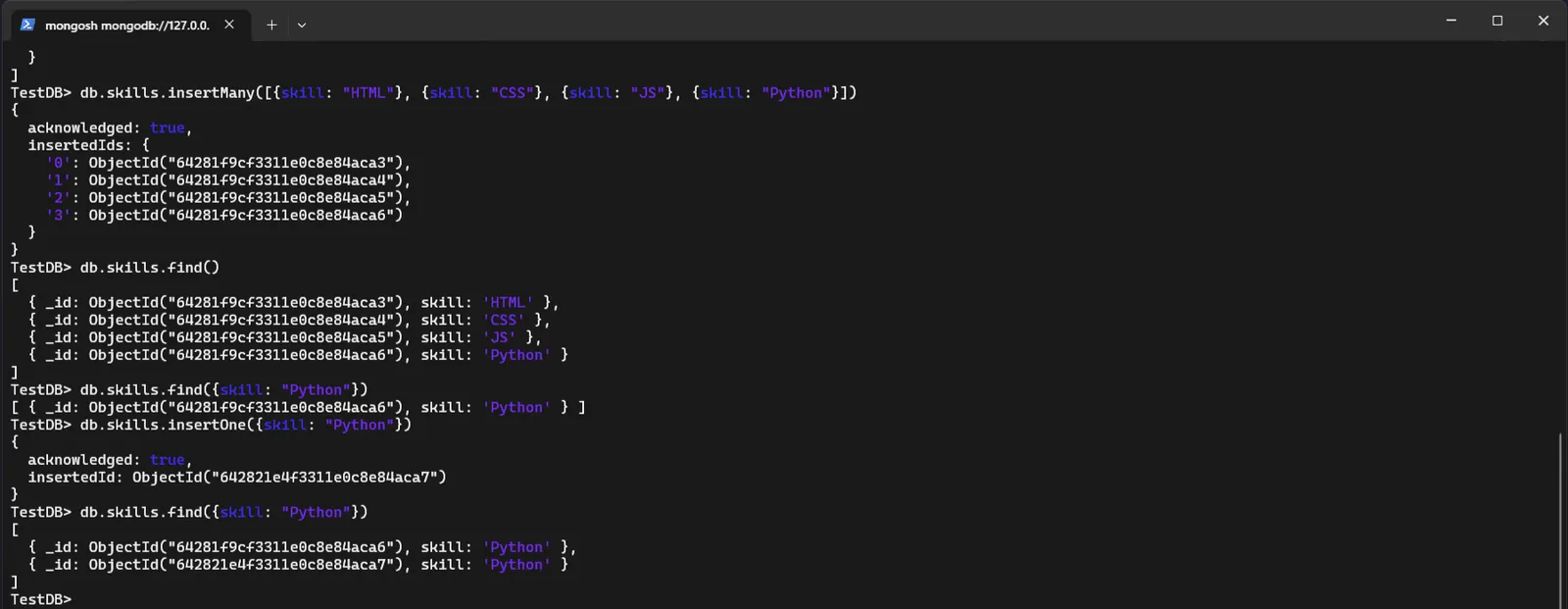
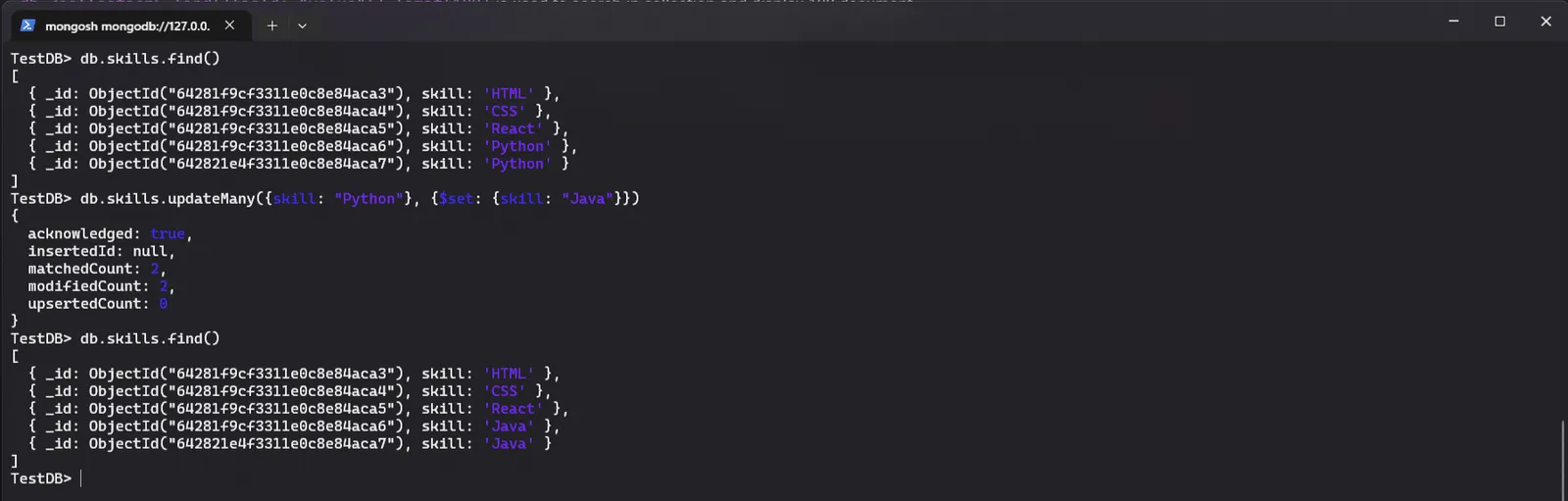
db.<collection>.find({field: "value"}).limit(100)is used to search in collection and display 100 document.db.<collection>.findOne({field: "value"})is used to search a single document in a collection.db.<collection>.updateOne({field: "value"}, {$set: {field: "newValue"}})is used to update a single document, Here$set:{}is a operator.db.<collection>.updateMany({field: "value"}, {$set: {field: "newValue"}})is used to update multiple documents.
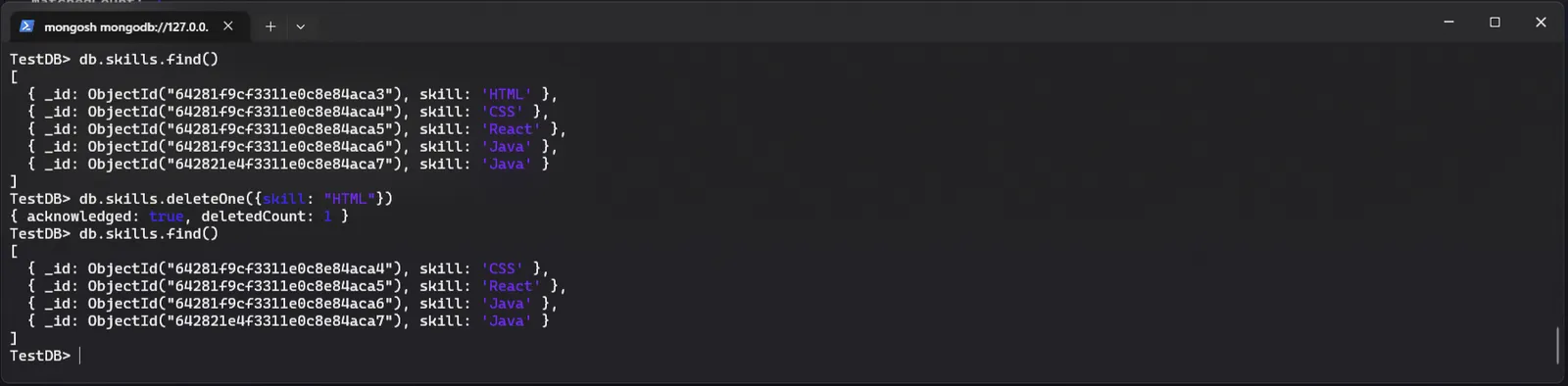
db.<collection>.deleteOne({field: "value"})is used to delete a single document from a collection.
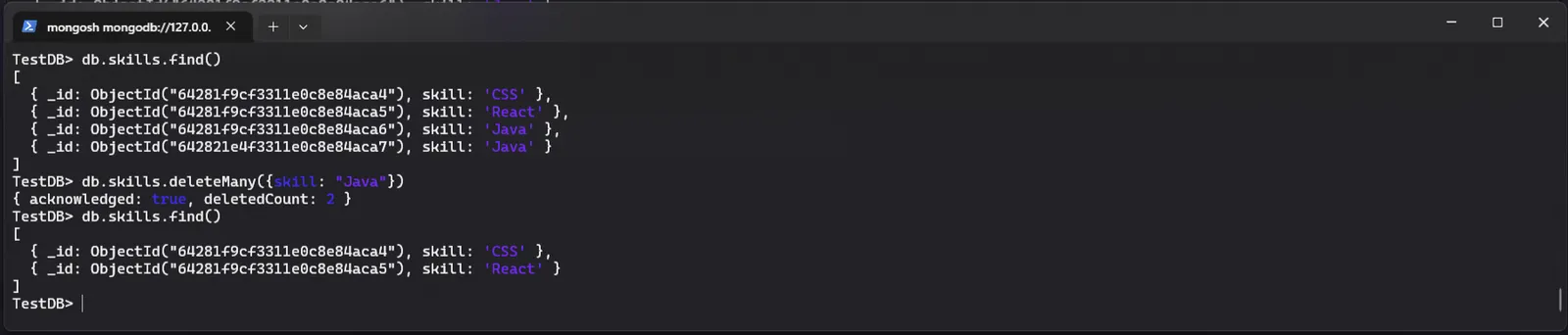
db.<collection>.deleteMany({field: "value"})is used to delete multiiple documents from a collection.
Creating an CRUD application
- To integrate MongoDB with node js, install
mongoosemodule
╰─ npm install mongoose
added 24 packages, and audited 25 packages in 6s
1 package is looking for funding
run `npm fund` for details
found 0 vulnerabilities- Using
mongooseinindex.jsfile to create connection for mongoDB.
const mongoose = require("mongoose");

mongoose.connect("mongodb://127.0.0.1:27017/TestDB").then(() => {
		console.log("Connected to MongoDB successfully");
	}).catch((error) => {
		console.log(error);
})
- In
index.js, heremongoose.Schema()is used to define a schema of the object.
const user = mongoose.Schema({
	name: { type: String, required: true },
	email: { type: String, required: true },
	age: Number,
	adult: Boolean,
}); - In
index.js,mongoose.model()is used to create a new document.
const User = mongoose.model("User", user);

const addNewUser = async () => {
	const newUser = new User({
		name: "Driptanil",
		email: "driprecovery@gmail.com",
		age: 20,
		adult: false,
	});
	await newUser.save();
};

addNewUser();
OR
const User = mongoose.model("User", user);

const createNewUser = async () => {
	const newUser = await User.create({
		name: "Drip",
		email: "drip@drippy.dev",
		age: 20,
		adult: false,
	})
	console.log("Inserted Succesfully")
};

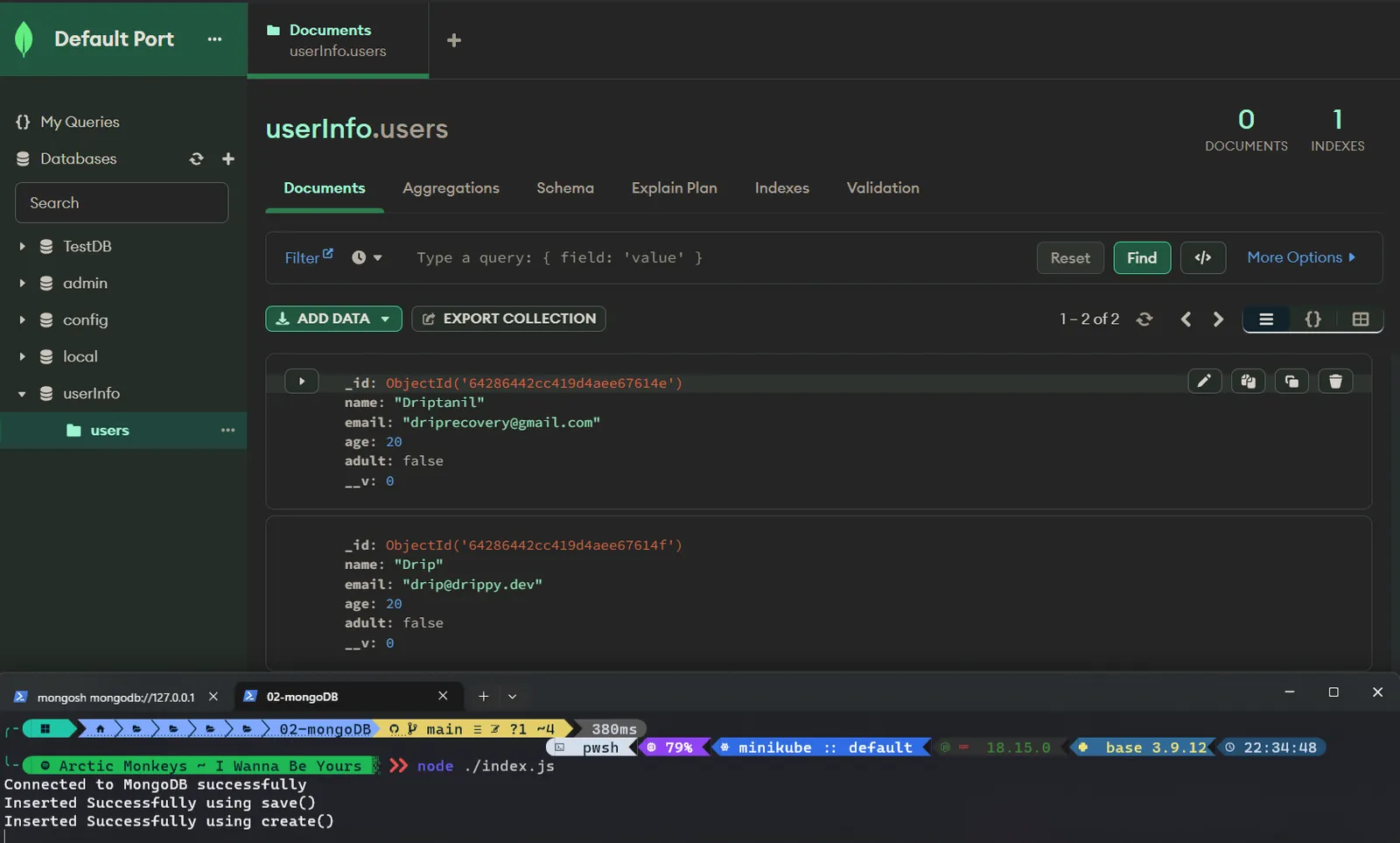
createNewUser();